Starting a Terminal-Style Cellular Device (Part 1 of Phone)
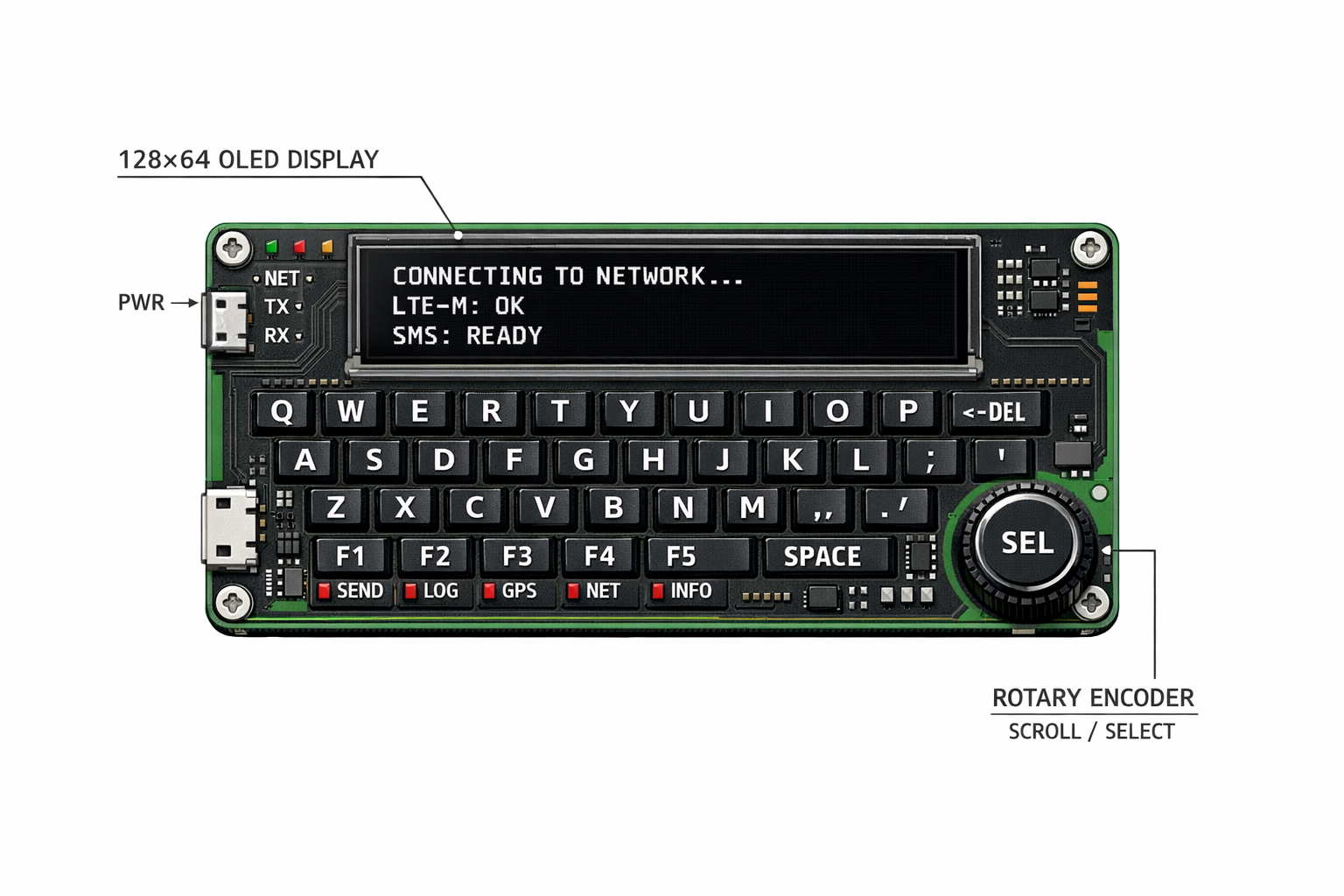
Concept image generated by ChatGPT
Starting a Terminal-Style Cellular Device
I’m starting one of my most ambitious projects yet: A working geek phone from scratch.
Smartphones are cool, but they aren’t built for the electronics geek:
- Apps decide how you talk
- Notifications decide when you talk
- You can’t see anything inside
As someone who likes electronics and computers, I wanted something cooler.
So I asked a simpler question:
What if a phone worked like a terminal?
And phones nowadays are full of distracting notifications that in way, control you.
The Core Idea
Instead of designing a normal phone, I decided to design a terminal-style cellular device.
That means:
- Text only
- Physical buttons
- Clear commands
- No apps
- No touchscreen
- Nothing happens unless I ask for it
Constraints (On Purpose)
Here are some general rules I’m going to set up for this:
- No touchscreen
- No app system
- No multitasking
- No background behavior
- No distracting notifications
So once you remove all the extra features, the device only needs to do a few things:
- Take input
- Send data
- Receive data
- Show system status clearly
That’s the entire job.
Terminal-First Interaction
Everything on this device is through a text interface.
You type commands. The device responds.
Example:
1
2
3
>>> status
NET: CONNECTED
BAT: 82%
Sending a message is not in an app — it’s in a text-based command line.
1
2
3
4
5
6
7
8
9
10
11
12
>>> text
Retrieving Text Database...

Contacts:
John  :  hey how a...
Anna  :  what?    ...
Kate  :  work time...

Selected John...

John: hey how are you doing?
You: I am doing good.
This makes the system:
- COOL!
- Easy to debug
- Easy to understand
High-Level System Diagram
This is the basic idea of how the system works.
flowchart TD
    K[Keyboard] --> MCU[Microcontroller]
    MCU <---> Modem[Cellular Modem]
    MCU --> Display["Display (Text Output)"]
Where This Is Going
It’s not meant to be fast or flashy. And it’s not meant for everyone.
It’s a personal device for me designed to be:
- Geeky
- Cool
- Intentionally different
Future posts will go deeper into:
- Power design
- Input handling
- Terminal UI
- Communication logic
Slow progress is expected..
More soon.